

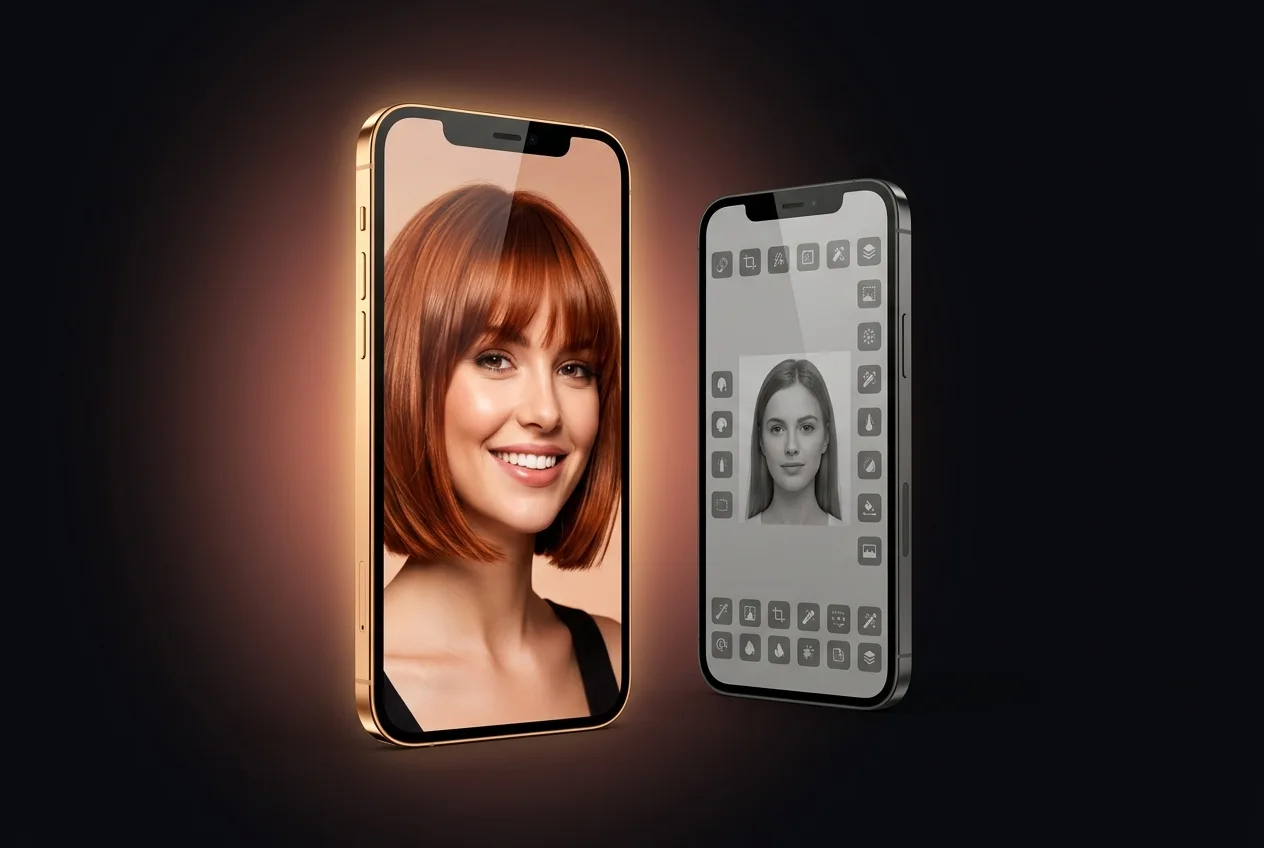
HaircutAI vs Fotor
One is a dedicated haircut app that measures your face first. The other is one tool in a crowded editor.
HaircutAI: Haircut Try On
Hair Color Try On, Cut Filter
Free · In-App Purchases · iPhone & iPad
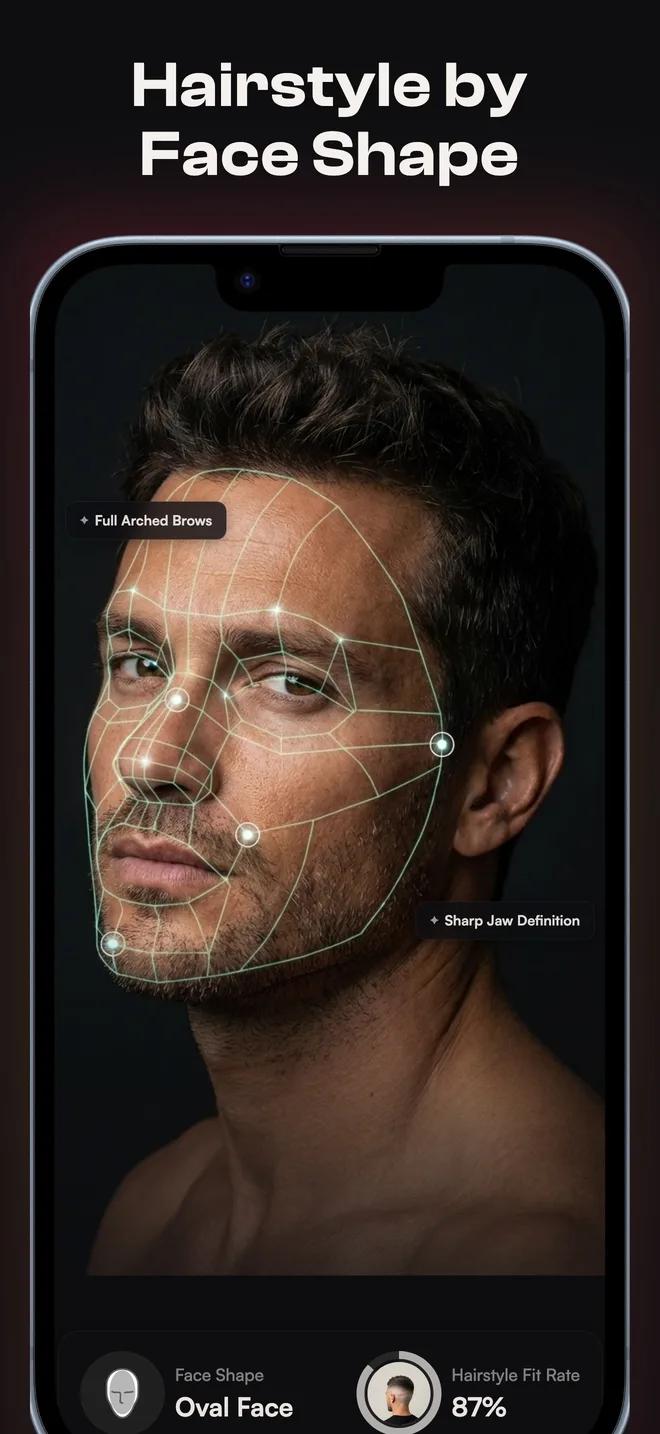
Face Shape Analysis: Know Which Cuts Suit You
- ·68 facial landmarks measured from one selfie.
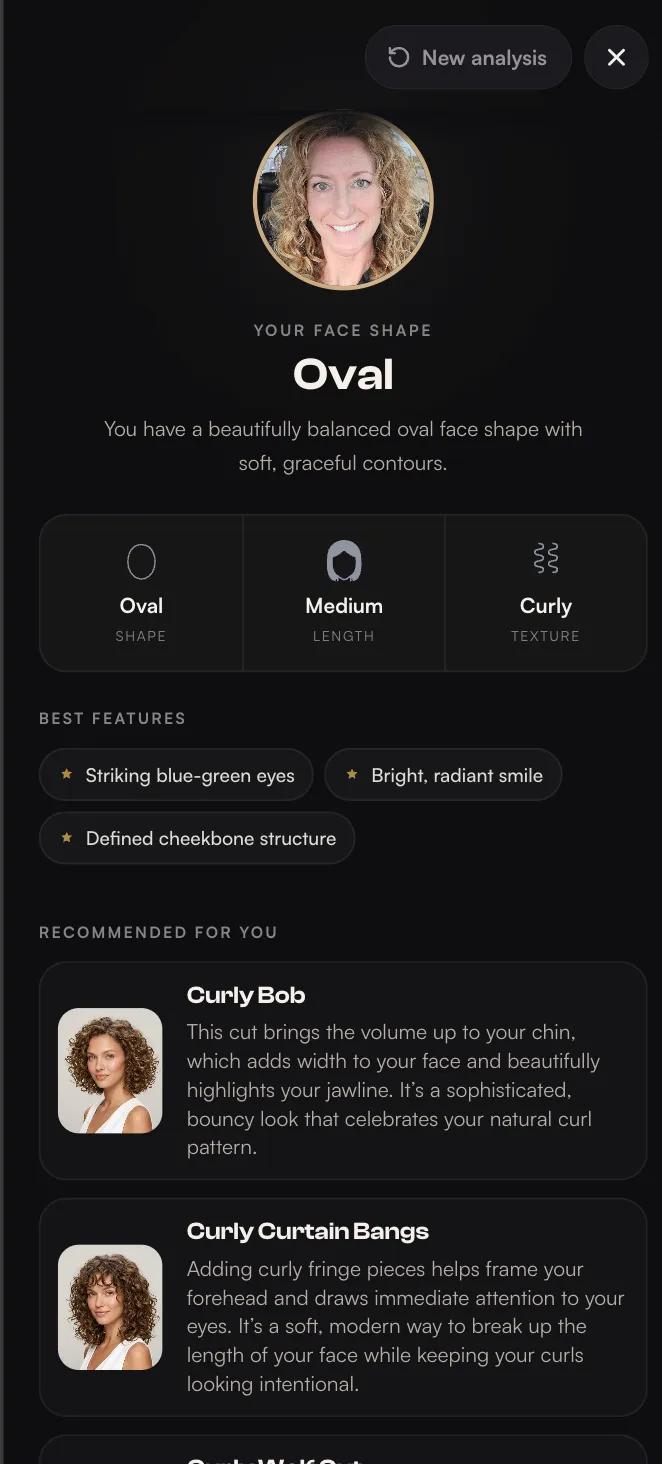
- ·You get your face shape and 4 cuts matched to it, free.
- ·Every style is tagged with the face shapes it suits and the ones it fights.
- ·A written report explains why each cut works, so you can name it to your barber.
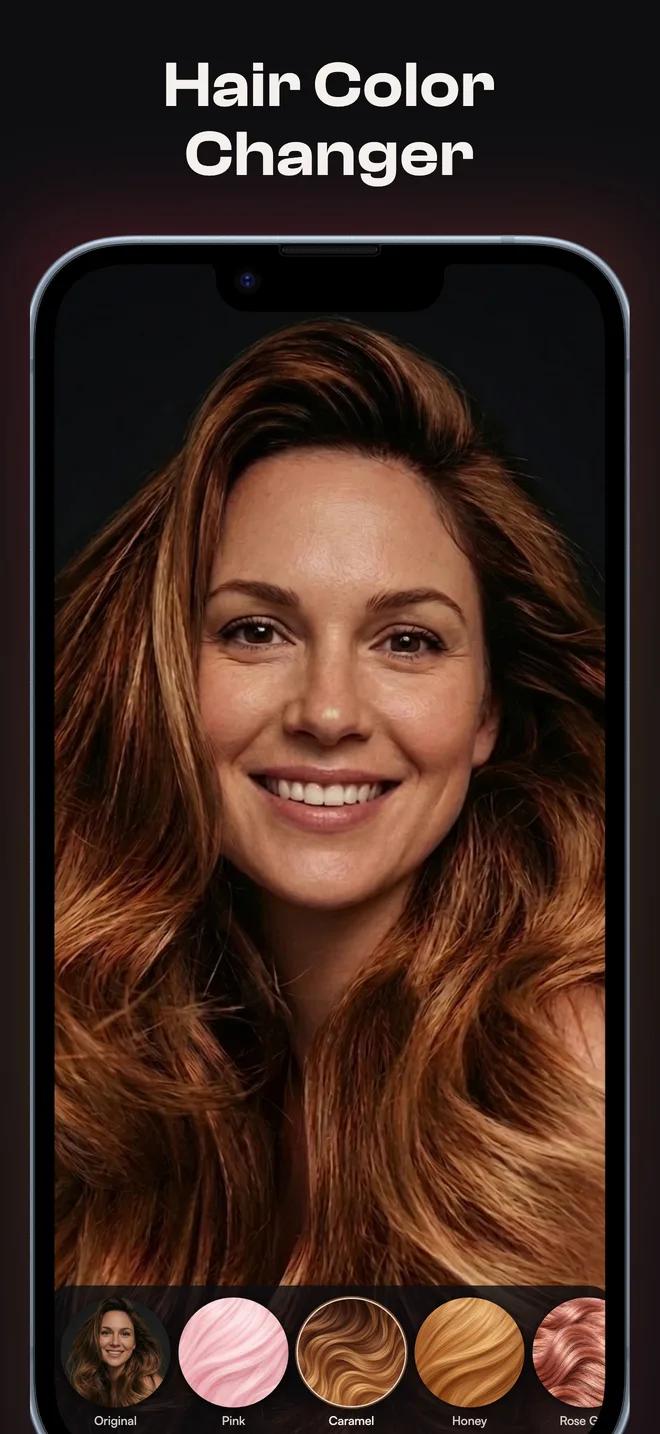
See the Color on Your Own Hair Before You Commit
- ·48 hair colors, every one rendered on your own photo.
- ·The photo is re-rendered, not filtered. The color sits on your real hair, under your real lighting.
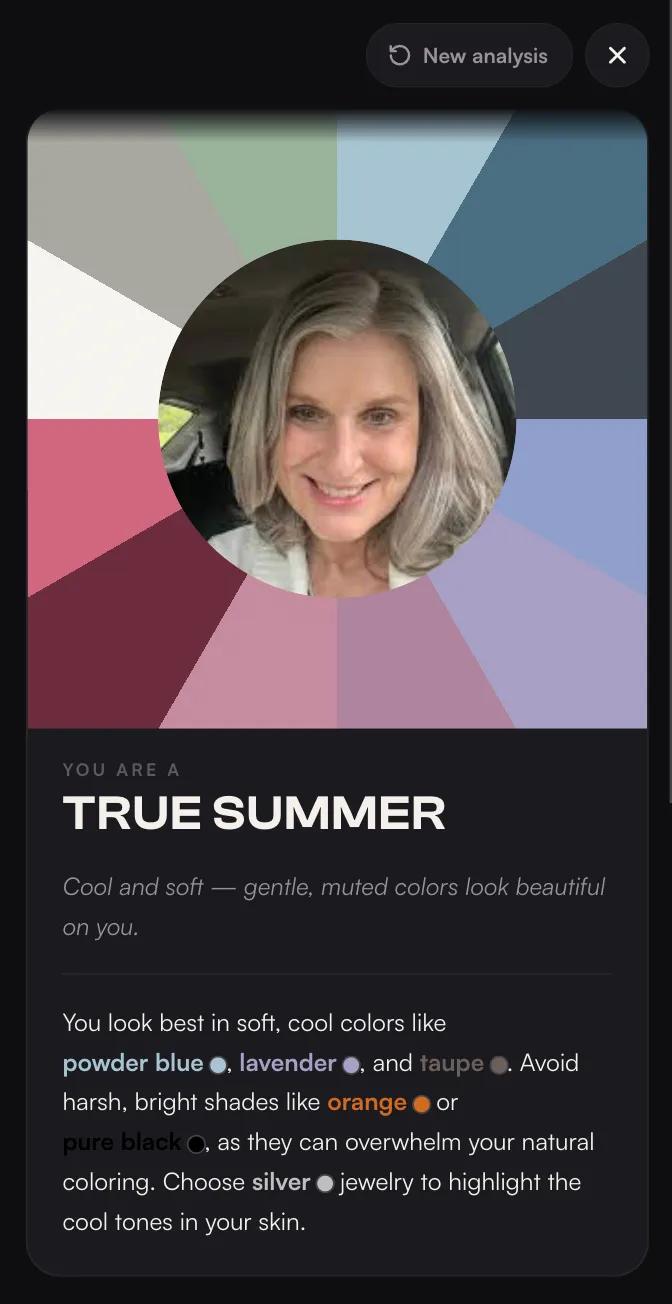
- ·A 12-season color analysis gives you the palette that matches your skin tone.
- ·The photo is reversible. The dye is not.
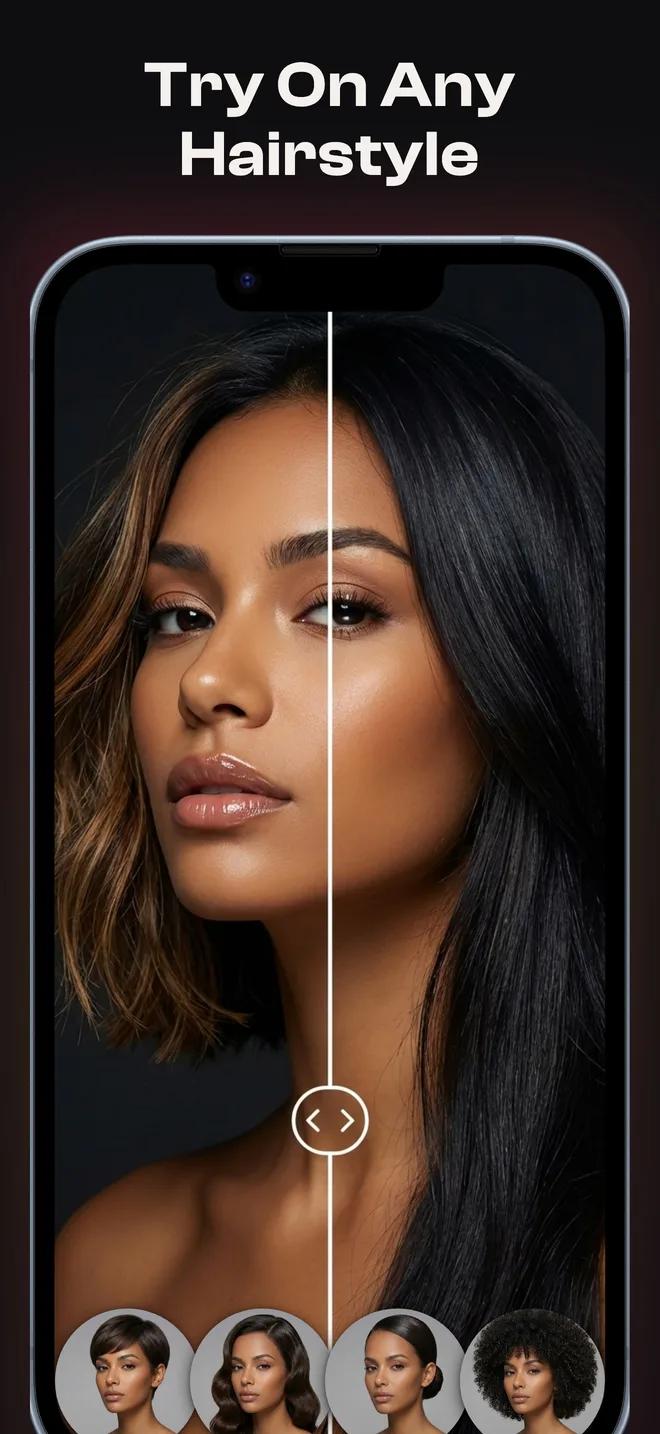
Watch the Cut Land on Your Own Face
- ·Your photo is re-rendered, so the hair grows from your real hairline.
- ·Lighting, skin tone and angle stay yours. It reads as a photo, not a filter.
- ·134 cuts and 48 colors, all on the same selfie.
- ·Change your mind as often as you like. Nothing is cut.
A Dedicated App vs a Browser Add-On
Fotor is, first, a general photo editor — crop, filters, background removal, and a long list of AI tools, with a hairstyle changer as one entry in that list. If you already edit photos there, trying a new cut is one click away and nothing else to download.
HaircutAI does one thing on purpose: hair. No makeup, no skin retouching, no crop tool. That focus is what makes room for a 68-point face shape scan and a written report — features a general editor has no reason to build.
What Fotor Does Well
- +No install — open a browser tab and you're trying a new hairstyle inside seconds
- +Generative results are solid for casual "what if" experiments
- +Sits next to the rest of Fotor's editing tools, useful if you already edit photos there
What You Don't Get With Fotor
No face shape analysis, no recommendations, no report. Fotor gives you a preset list and leaves the judgment call entirely to you — for a haircut, that's the part most people actually need help with.
It also isn't built for hair specifically. Every style you try shares screen space with dozens of unrelated editing tools, so there's no equivalent to a dedicated catalog tagged by face shape, hair type, or upkeep the way HaircutAI's is.
The Verdict
Choose Fotor for a quick, no-install experiment, especially if you're already editing the photo there for something else.
Choose HaircutAI if you're actually deciding on a haircut: a free measured analysis first, then a real-photo render of the cuts that are likely to work, not a list you have to judge blind.
| Attribute | HaircutAI | Fotor |
|---|---|---|
| What it is | Dedicated hairstyle app (web + iOS) | One tool inside a general photo editor |
| Install | Free iOS app, or use on the web | Browser only, no install needed |
| Face shape recommendations | 68-point scan, written report, 4 picks — free | None — you browse and judge yourself |
| Catalog | 134 cuts, 48 colors, each tagged by face shape | Dozens of preset styles |
| Reports | Face shape report + 12-season color analysis | None |
| Rest of the toolkit | Hair only | Full photo editor: crop, filters, background removal, more |
| Pricing | Free analysis; credits or subscription for renders | Free tier with credit limits; Fotor Pro removes caps |
Comparison reflects publicly observable app capabilities as of August 2026. Pricing and features change often on both sides — check each app for current terms.
Frequently Asked Questions
Is Fotor's hairstyle changer free?
Fotor offers a free tier for its hairstyle tool, generally with credit limits, and Fotor Pro lifts the caps. HaircutAI's face shape analysis and recommendations are free outright, with credits or a subscription covering the try-on renders. Both change their limits over time, so check current terms in each app.
Do I need to install anything to use Fotor?
No — that's its main appeal. Fotor runs entirely in the browser as part of its wider photo editor, so trying a hairstyle is one click away if you're already using Fotor to edit an image. HaircutAI works in the browser too, plus a free iOS app with the same catalog if you'd rather use it on your phone.
Does Fotor tell you which haircut suits your face?
No. Fotor lets you apply any preset style to your photo, but it doesn't analyze your face shape or filter its options to what would actually flatter you — you're judging every result on your own. HaircutAI's 68-point scan does that filtering for you, with a written report and 4 personalized picks.
Can Fotor do more than hairstyles?
Yes, considerably more — it's a full photo editor with cropping, filters, background removal, and other AI tools, and hairstyle changing is one feature among many. HaircutAI does one thing: hair. If you want a general editor with a hairstyle option included, Fotor covers that; if hair is the whole job, HaircutAI is built around it.
Which gives a more realistic haircut preview?
Both generate results rather than pasting a static template, which puts them in the same technical category. Realism in practice depends on the specific photo and how each app's model handles your hairline. If you're deciding on a real cut, try the same photo in both and compare the hairline transition closely — that's usually where differences show up.
Get the Analysis, Not Just a Filter
Upload a selfie, get your free face shape report, and see your 4 best haircuts rendered on your own photo in about 30 seconds.