

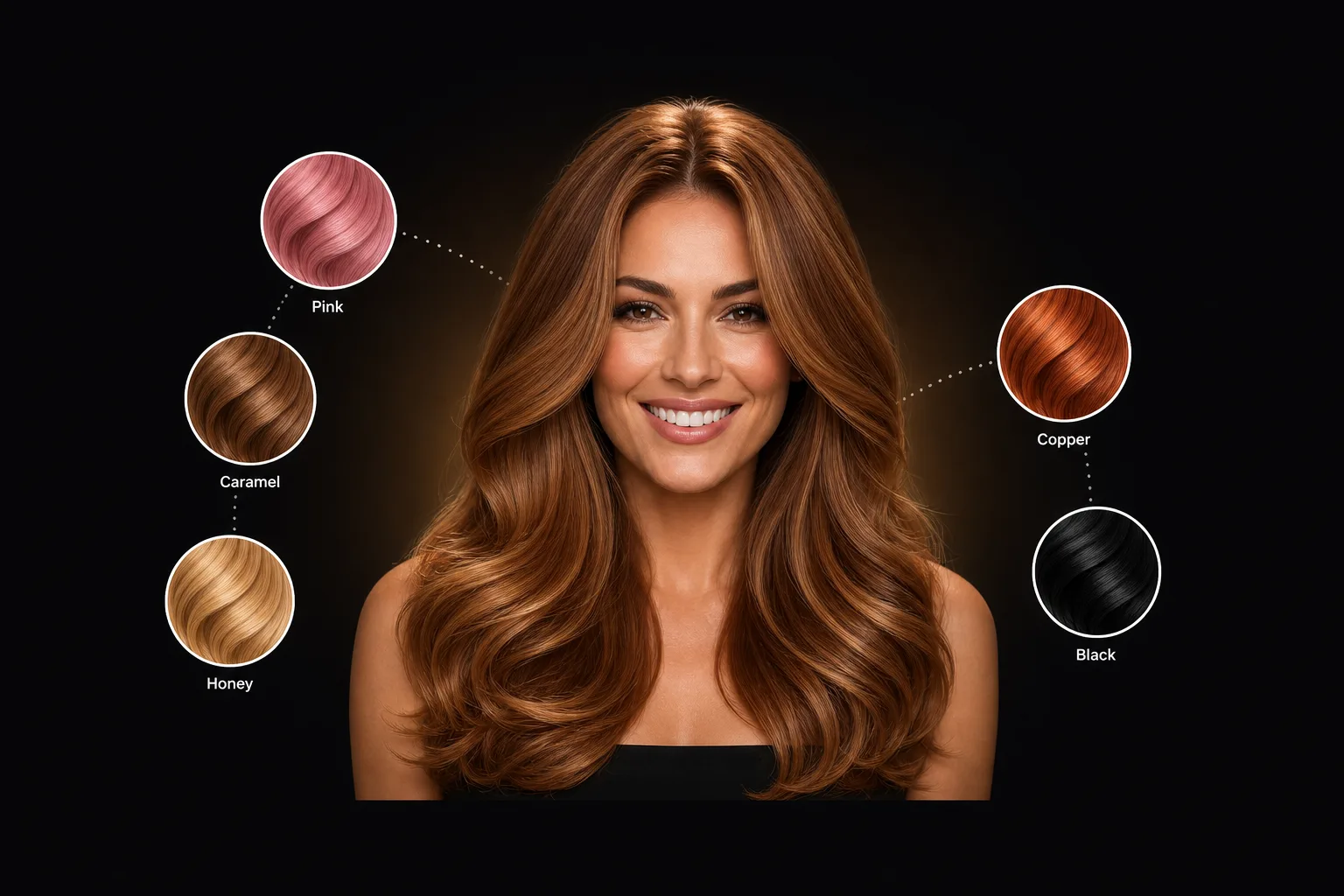
AI Hair Color Changer: See Any Color on Your Own Hair First
An AI hair color changer takes one photo of you and shows you in a different hair color: on your own hair, in your own lighting, in about 10 seconds. HaircutAI covers 48 shades, from espresso to platinum to full balayage. It exists to answer one question before the salon does something permanent: dye, or don't.

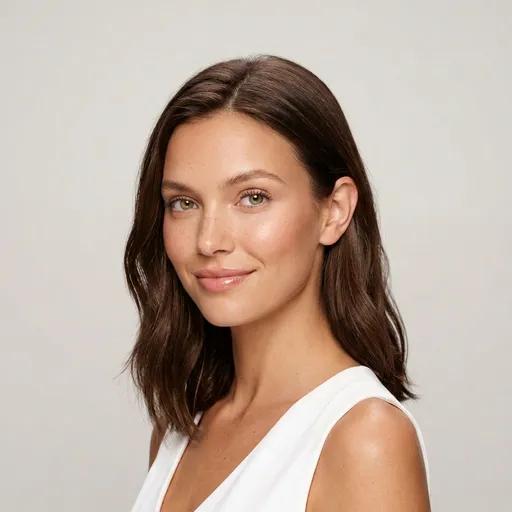
Natural brown, one phone selfie

Same photo, AI color change only
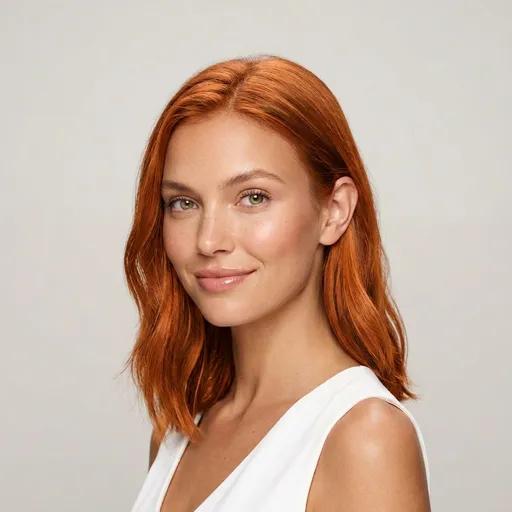
A real, unedited result from the tool on this page: the Copper shade applied to one selfie. Face, skin, light, and background untouched. Only the hair changes.
The Colors People Actually Try First
This ranking isn't editorial. It's counted from 14,844+ real color try-ons inside the app. Honey Balayage leads, and the pattern across the top eight is telling: people don't preview outrageous colors. They preview believable ones they're one nerve short of booking. Next to each shade: what it actually demands after the photo.
| # | Shade | Times tried | Touch-up | Bleach | Salon cost |
|---|---|---|---|---|---|
| 1 | Honey Balayage | 1,108 | ~14 wks | Depends on base | $$$ |
| 2 | Ash Balayage | 715 | ~12 wks | Yes | $$$ |
| 3 | Caramel Balayage | 700 | ~14 wks | Depends on base | $$$ |
| 4 | Chocolate Brown | 655 | ~10 wks | Never | $ |
| 5 | Ash Blonde | 587 | ~5 wks | Only from darker bases | $$$ |
| 6 | Platinum Blonde | 548 | ~4 wks | Always | $$$$ |
| 7 | Champagne Blonde | 526 | ~5 wks | Only from darker bases | $$$ |
| 8 | Chestnut Brown | 507 | ~8 wks | Never | $ |
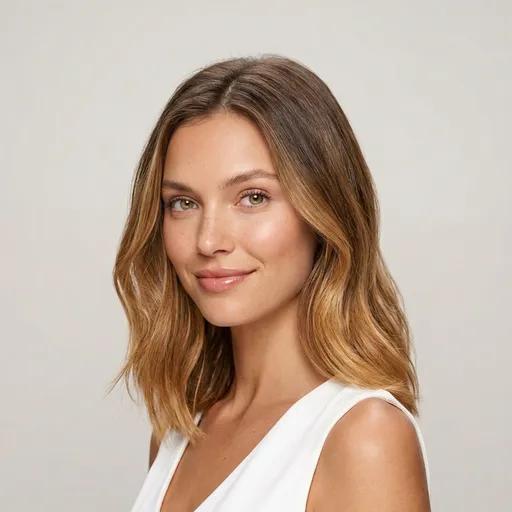
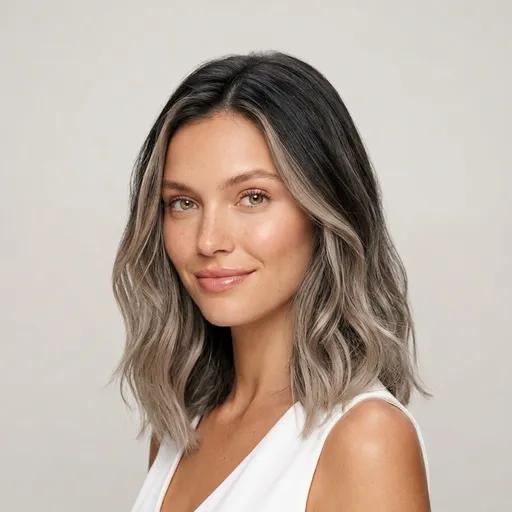
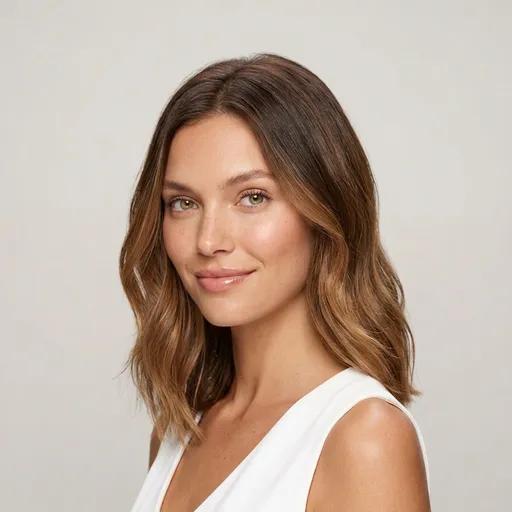
94.7% of all try-ons are colors you could wear to work on Monday. Balayage techniques alone account for 27.8%. Copper is the widest curiosity: 303 different people have put it on their own photo. The color changer isn't a toy for pink hair; it's how people de-risk a real appointment.
How to Change Your Hair Color Online
Upload one photo
A clear, front-facing photo in daylight, hair down, no filter. Your own lighting is the point. The shade renders in your world, not on a studio model.
Pick any of 48 shades
Solid colors from espresso to platinum, 10 balayage and highlight techniques, grays, and fashion colors. Each is tagged with its real bleach and upkeep demands.
Compare before you book
Every result keeps your face, skin, and lighting untouched, so you can put copper next to ash blonde and decide with evidence instead of nerve.
All 48 Shades in the Changer
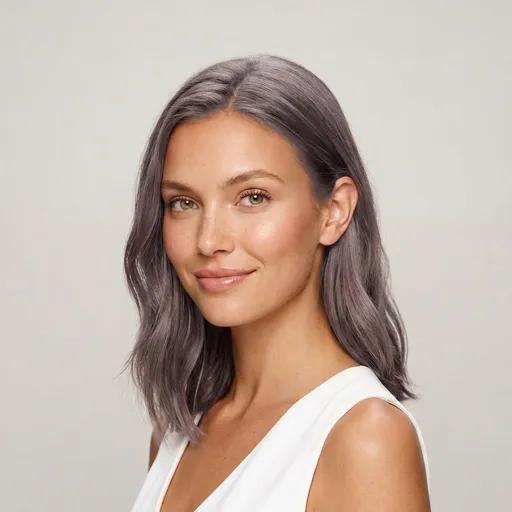
Six families, ordered by how often people actually try them. Every card opens the shade's own page, and every shade can be applied to your photo.
Techniques
10 shades · 27.8% of try-onsBalayage, highlights, ombré: dimension instead of a single flat shade. This is the most-tried family in the app, and the one where a preview earns its keep: technique results depend heavily on your base color. Torn between the two big ones? Read balayage vs highlights first.
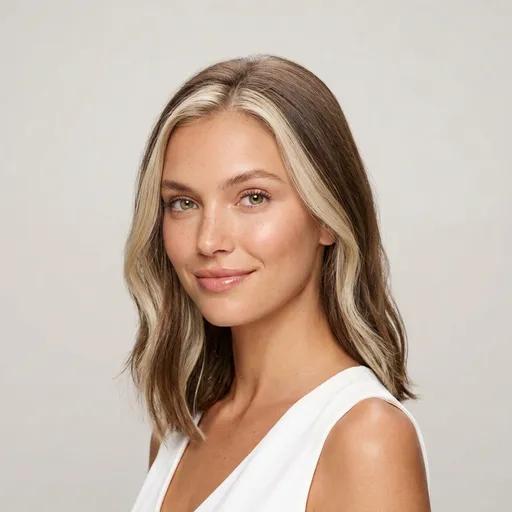
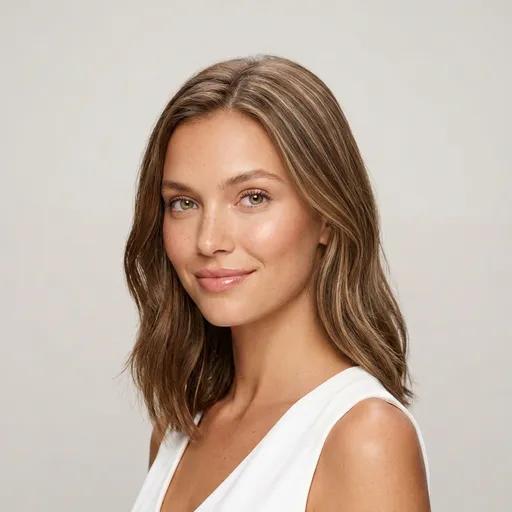
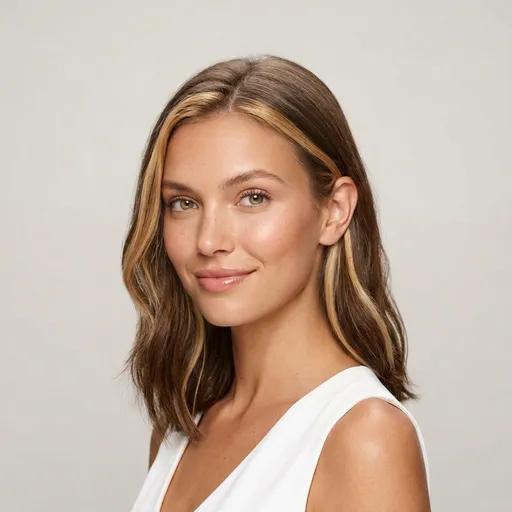
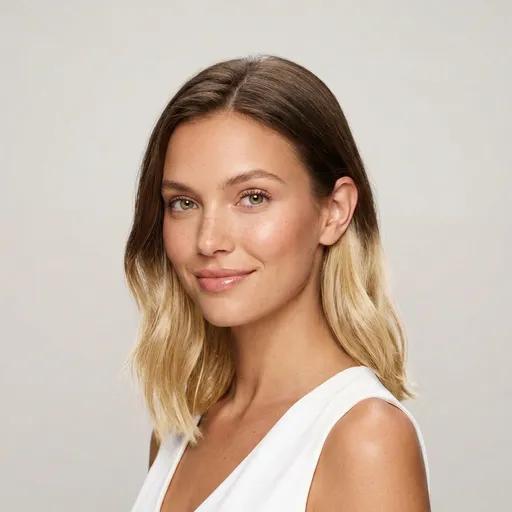
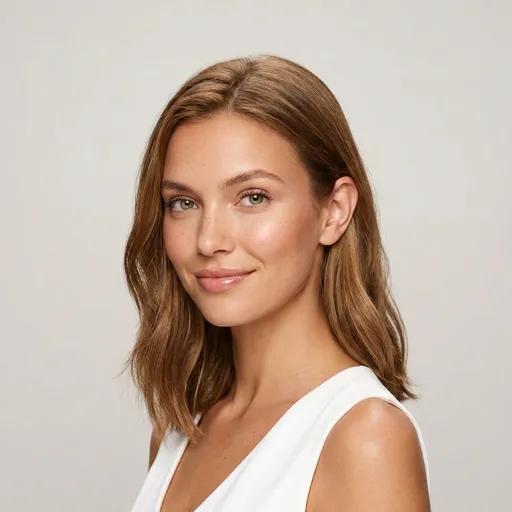
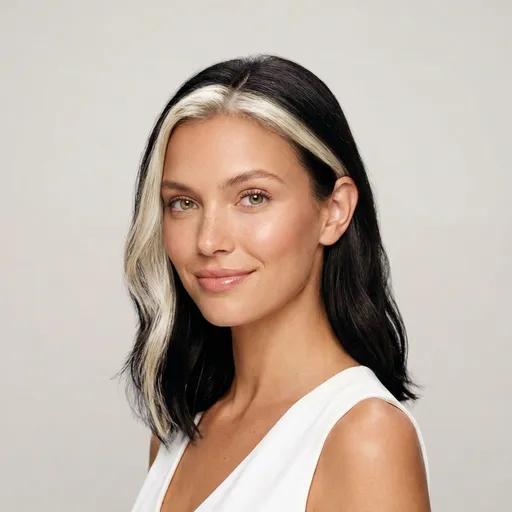
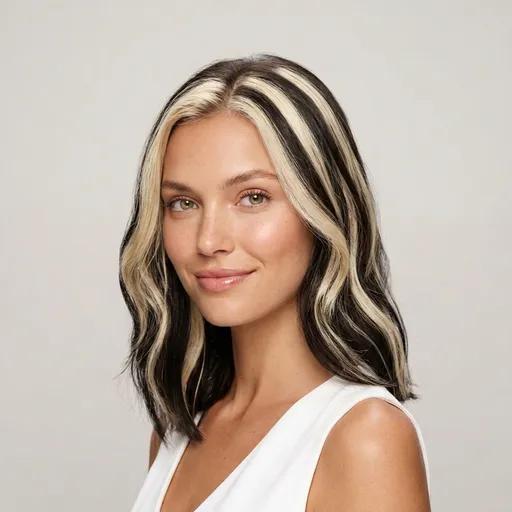
Blondes
11 shades · 23.3% of try-onsEvery blonde here except the darkest ones involves lift, which is why blonde is the family people preview hardest before booking. Platinum sits at level 10; dirty blonde is the only one you could plausibly reach without bleach.
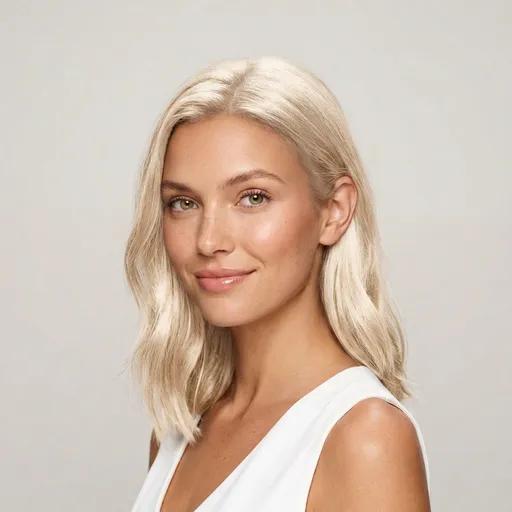
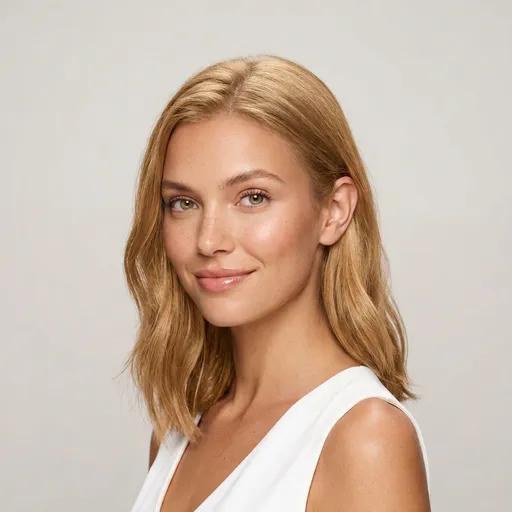
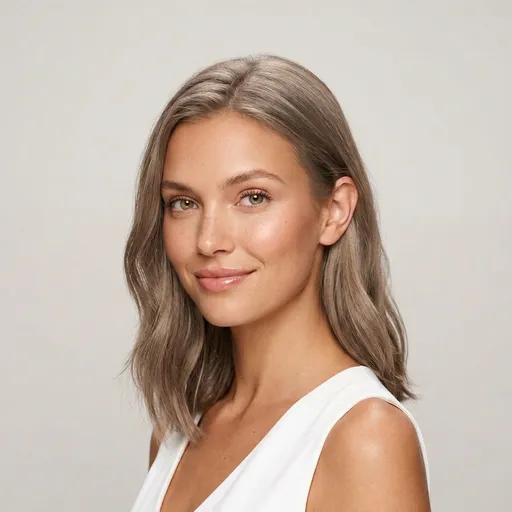
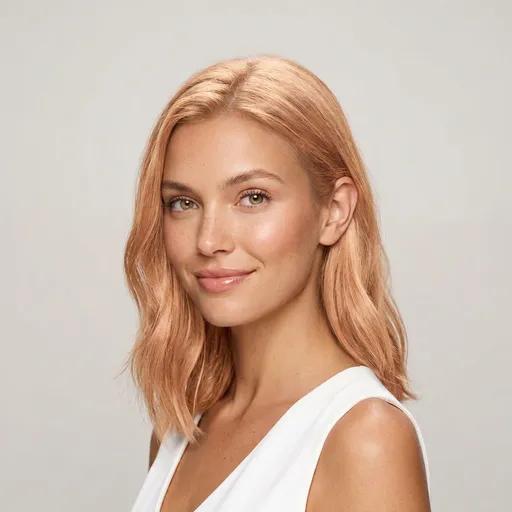
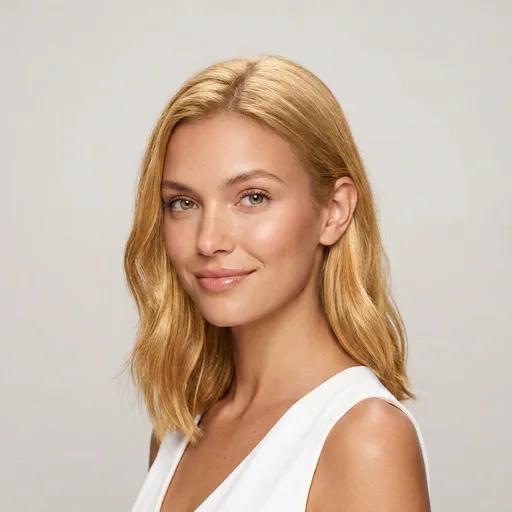
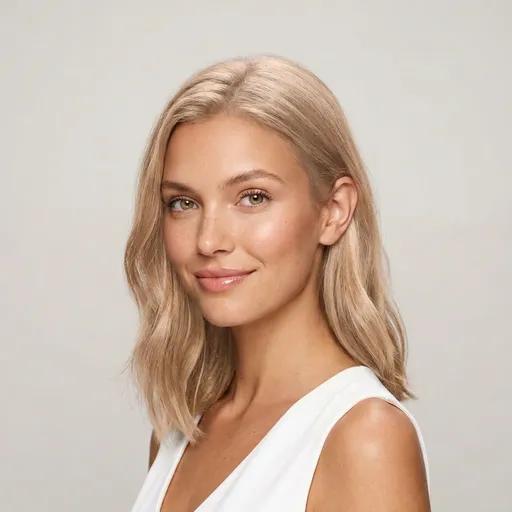
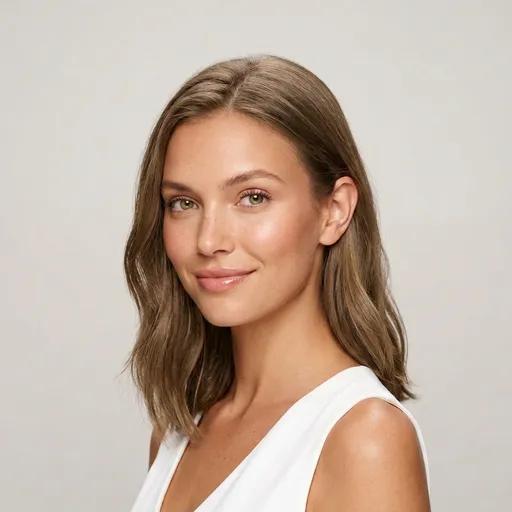
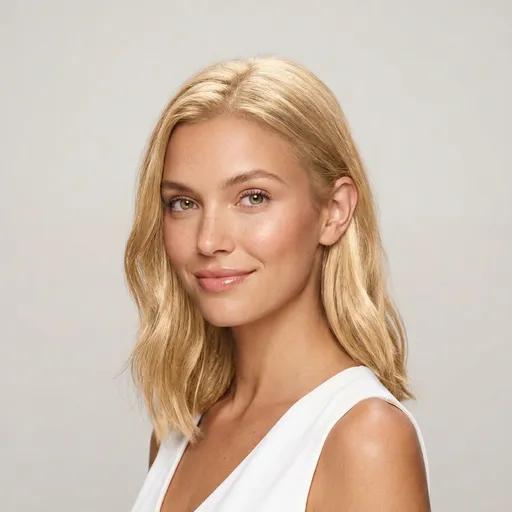
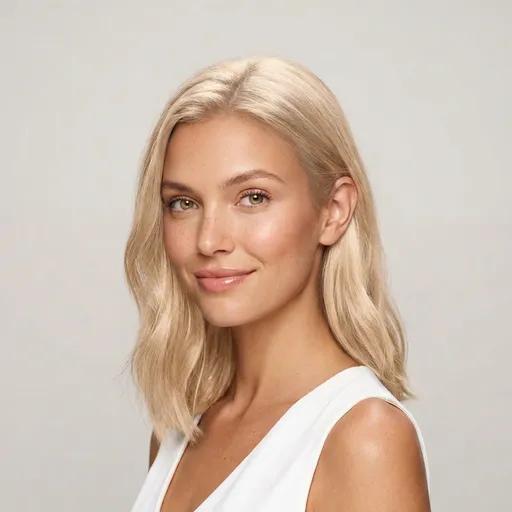
Brunettes
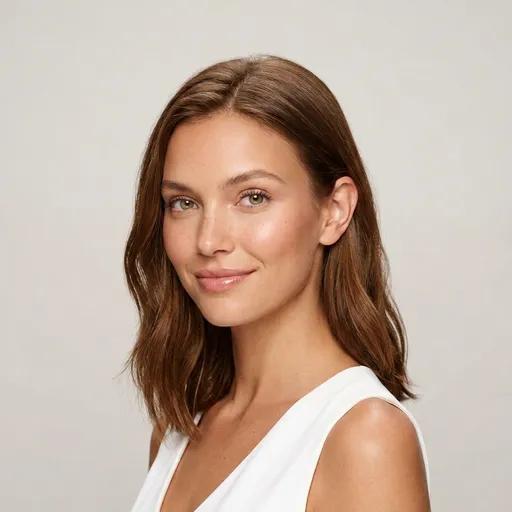
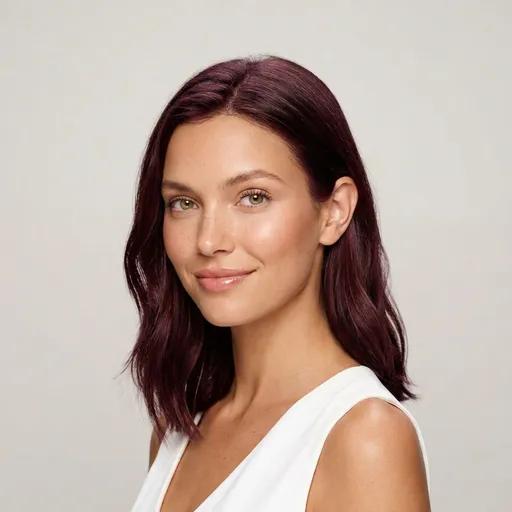
8 shades · 23.3% of try-onsThe lowest-commitment family in the catalog: seven of the eight shades need no bleach at all, seven sit in the cheapest salon tier, and most are realistic at home. If you want a visible change with an easy exit, start in this column.
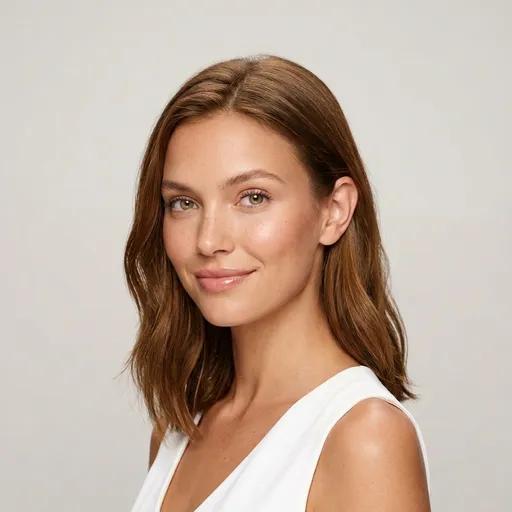
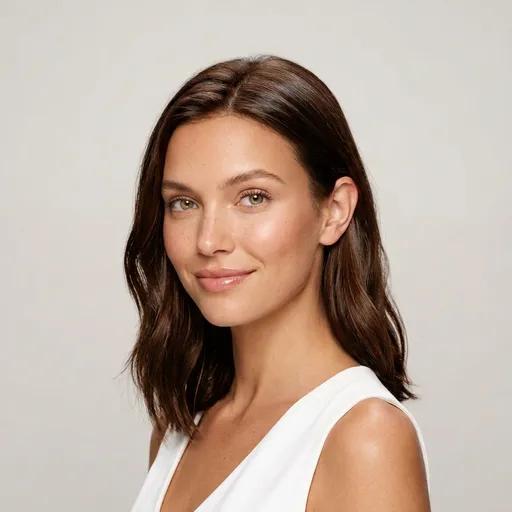
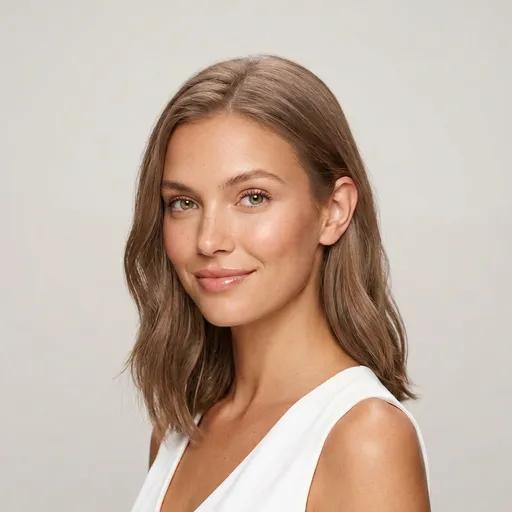
Reds & Coppers
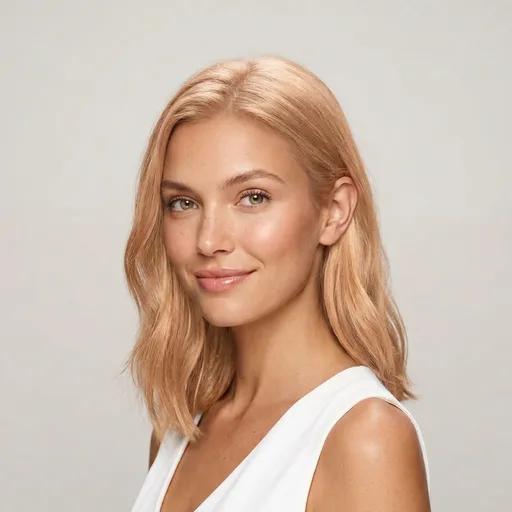
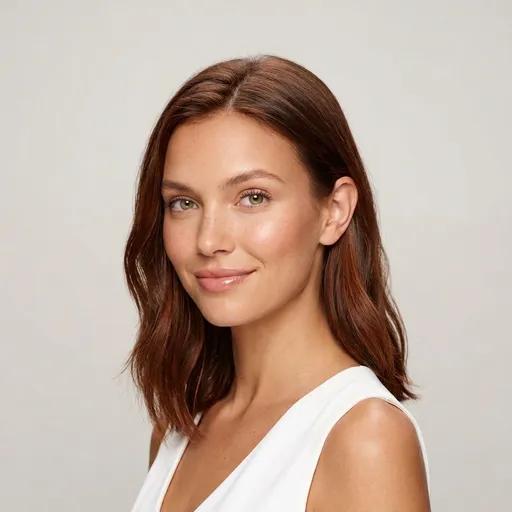
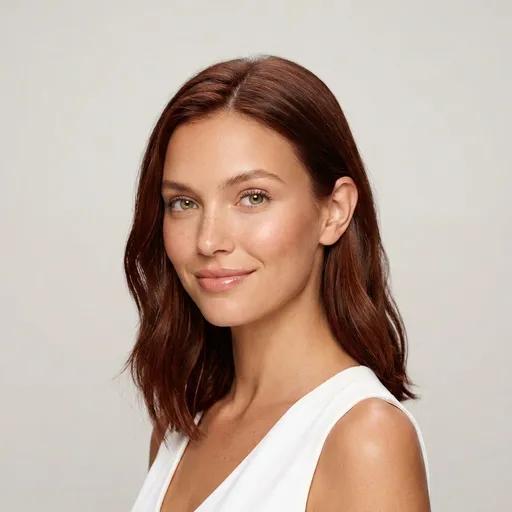
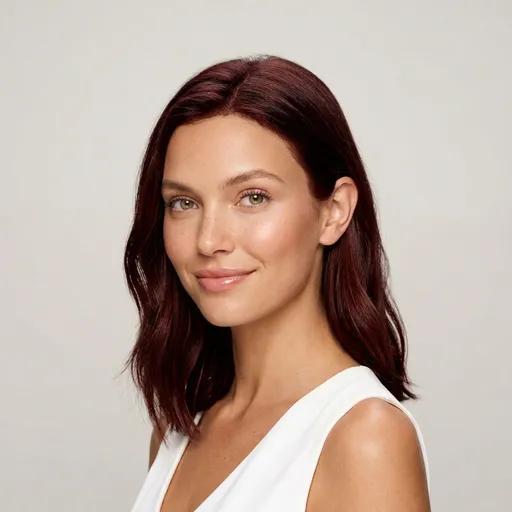
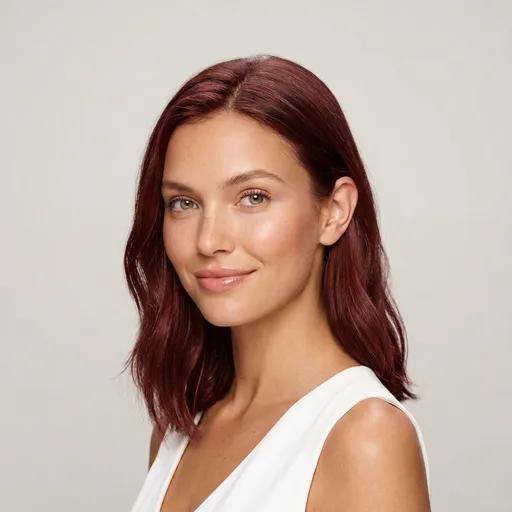
8 shades · 11.5% of try-onsCopper is the shade curiosity built. Reds photograph loudly and fade fast: expect a 4-week refresh cycle. That makes seeing it on your own complexion first genuinely useful.
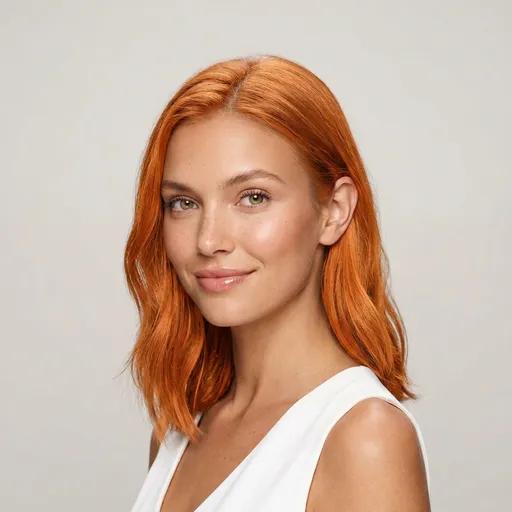
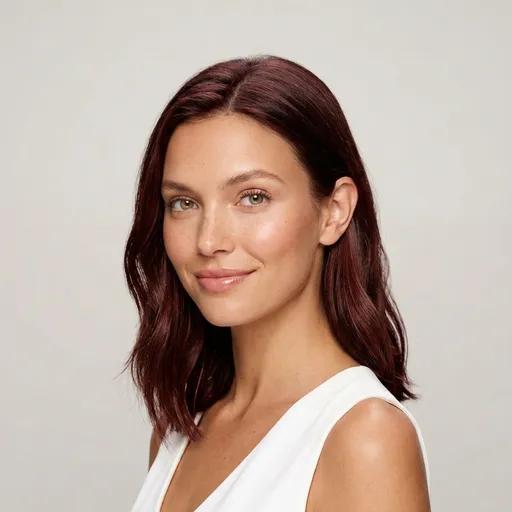
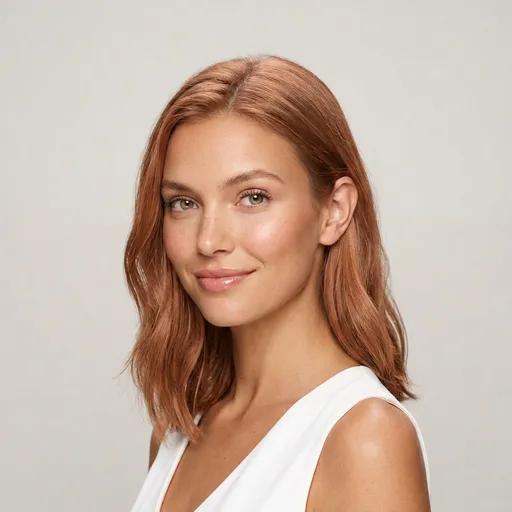
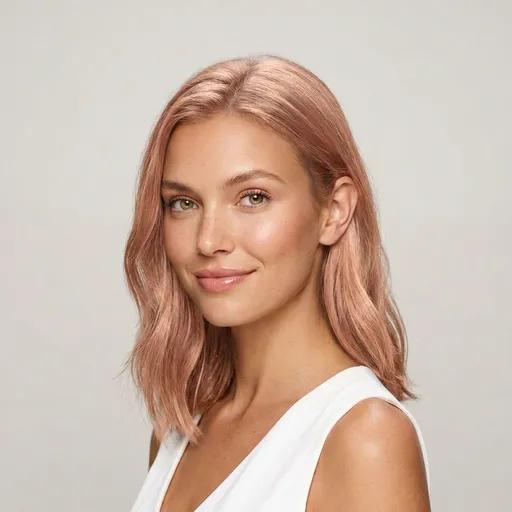
Gray & Silver
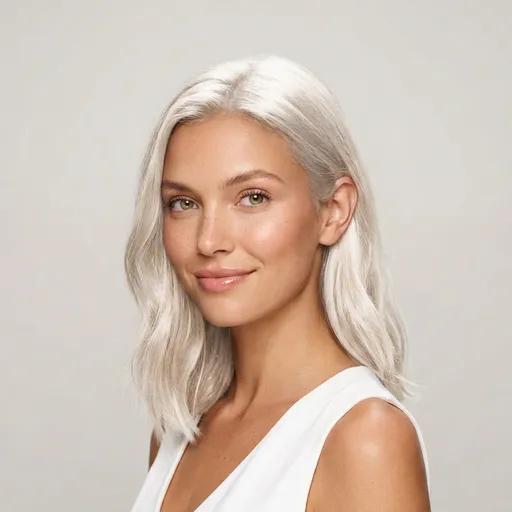
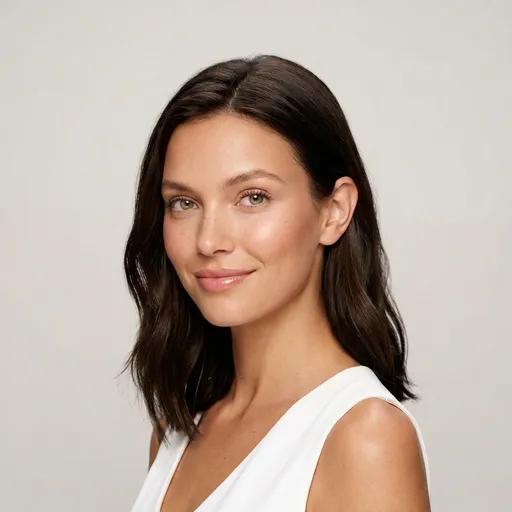
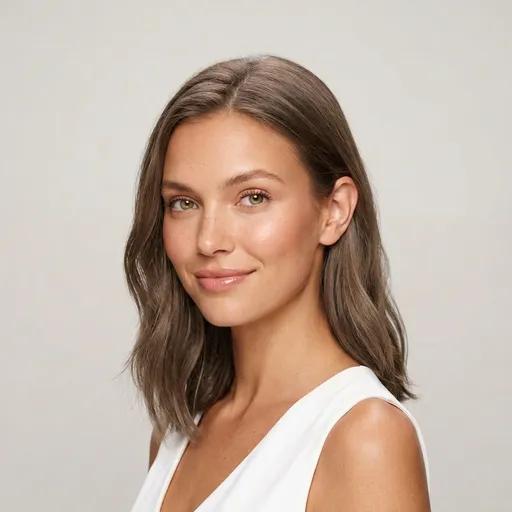
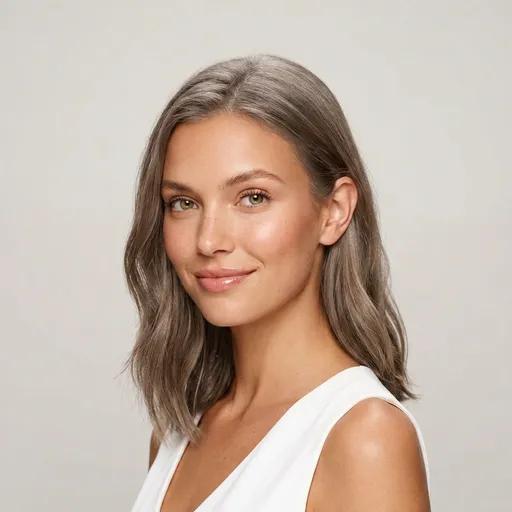
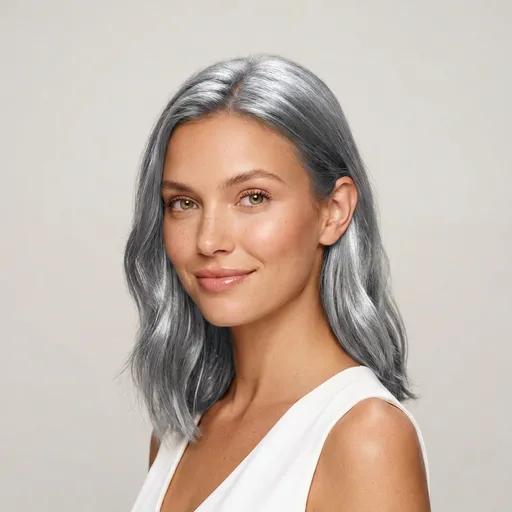
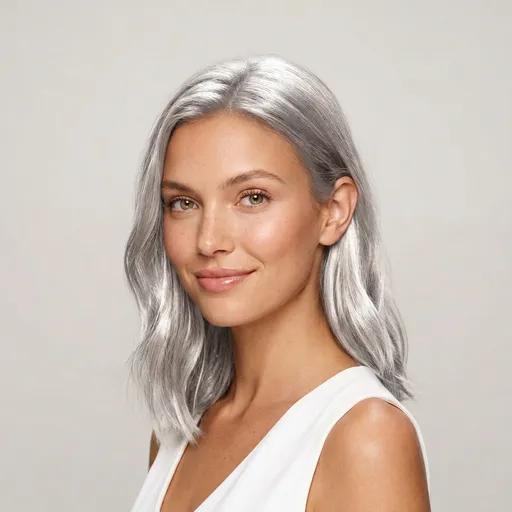
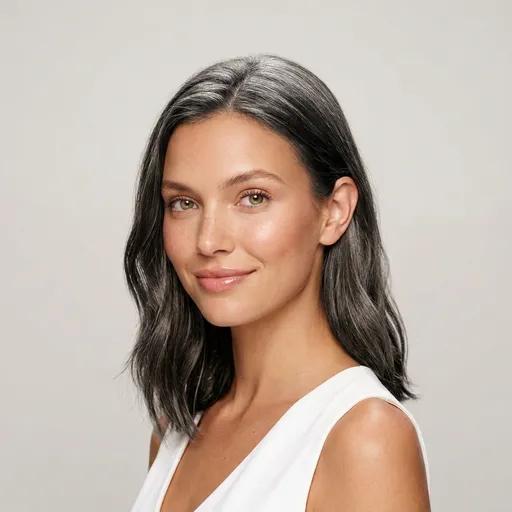
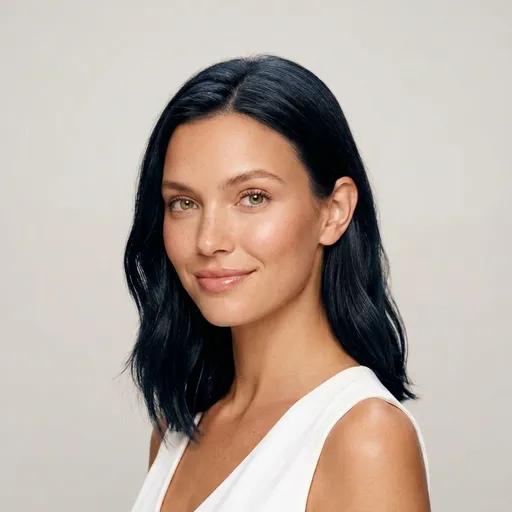
5 shades · 8.8% of try-onsThe going-gray decision lives here (natural gray, salt & pepper) next to fashion silver and jet black. Gray is the hardest color to imagine on yourself because it changes your contrast, not just your shade. And it takes one photo to see.
Fashion & Bold
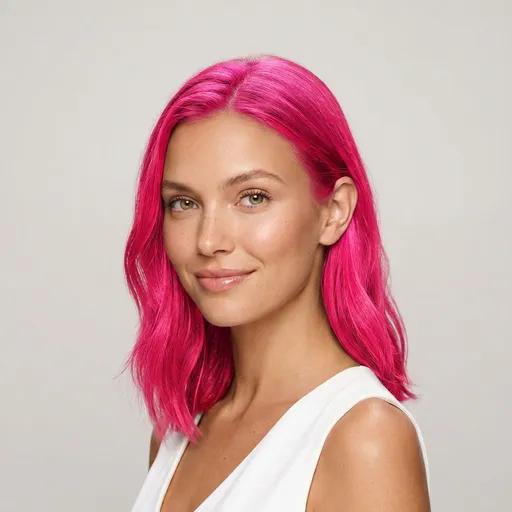
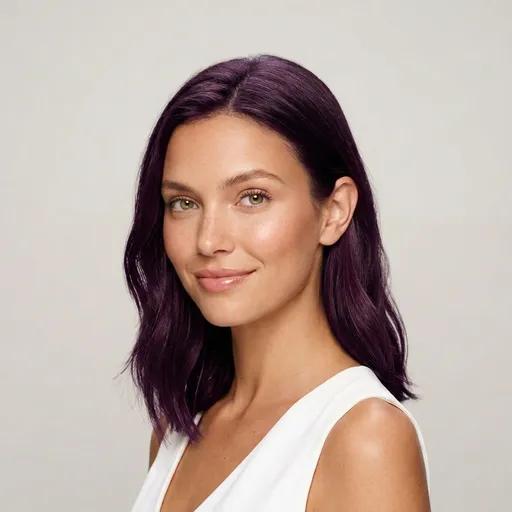
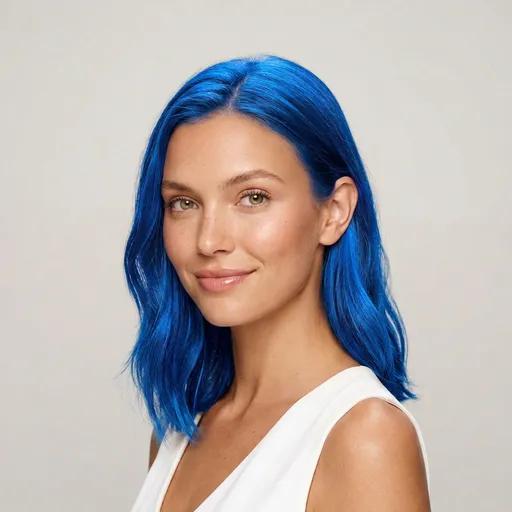
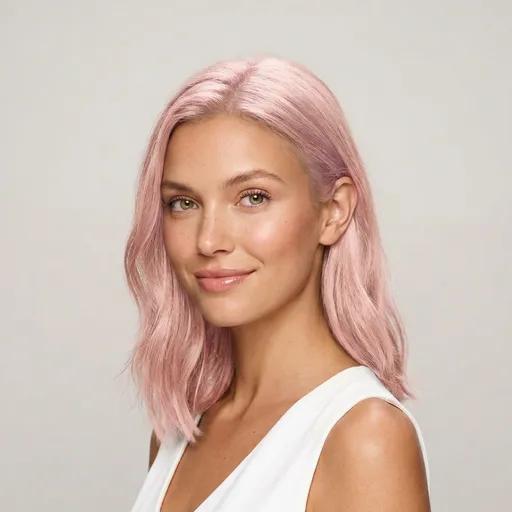
6 shades · 5.3% of try-onsPink, blue, lavender: the shades almost nobody dyes without seeing first. Most demand bleach and serious upkeep in real life; in a preview they cost nothing.
Run the Commitment Check Before the Chair
The preview answers "does it suit me?". These numbers answer "can I live with it?". Both questions decide whether a color was a good idea, and the second one is the one people skip.
Going darker is the cheap thrill
15 of the 48 shades never require bleach: the deep browns, auburn, burgundy, jet black. Maximum visible change, minimum chemistry, easiest exit. If it's your first color, start here.
Platinum is the expensive photo
9 shades always require bleach, and platinum tops the bill: level 10, very high damage potential, top cost tier, and a ~4-week root cycle. Preview it twice on your photo before you book it once.
Reds run on a short clock
14 of the 48 shades want a touch-up within 4 weeks. Coppers and true reds lead that list, because red pigment fades fastest. Love the preview? Budget the upkeep before the appointment.
Balayage buys the longest runway
5 shades stretch past 12 weeks between salon visits. Almost all of them are balayage techniques, which regrow soft instead of striped. Highest price per visit, fewest visits per year.
A realistic home-dye shortlist
11 shades are achievable at home per our color-science data. Nearly all are deepening moves like chocolate brown or espresso. Everything involving lift belongs in a salon, whatever the box promises.
Most of the catalog is gentle
21 of 48 shades carry low damage potential and 21 occur in natural human hair. This is not a catalog of costume colors. The risky corner is small, well-marked, and mostly blonde.
One number worth keeping: a corrective color, the fix for a shade that turned out wrong, typically costs $150–400 and a full day. The entire point of a color changer is that the mistake happens to a photo instead.
Change the Cut and the Colour in One Move
A new colour rarely travels alone. Most real makeovers are a cut and a colour decided together, and they should be previewed together too: a copper bob and copper waist-length hair are two different people. HaircutAI runs both on the same photo, so you can assemble the whole look, 134 cuts and 48 colours, before a single scissor or bowl of dye is involved.
Not sure which cut side to start from? The AI hairstyle recommender reads your face shape from the same selfie and proposes your 4 best cuts. Or browse the full catalog of 180+ styles and colors and build the makeover by hand.
Don't Know Which Color? Find It, Then Change It
A color changer shows you a shade; a color finder tells you which shades to audition. The difference is undertone: the same copper that lights up golden skin can turn sallow on cool-pink skin. Starting from "I want a change" rather than "I want copper"? Run the diagnosis first. It turns 48 candidates into about a dozen.
The AI seasonal color analysis is the full version: a hair color detector that reads undertone, value, chroma, and contrast from your photo. It maps you to one of 12 seasons with matching hair-color directions. The 8-question color quiz is the fast manual version. And if you already know your skin, jump straight to the guide that matches it: warm undertones, cool undertones, fair skin, olive skin, or dark skin.
Then come back here and put the finalists on your own face. The finder narrows, the changer decides.
Frequently Asked Questions
Is there a free AI hair color changer?
Yes. HaircutAI is free to start: upload a selfie, get your analysis, and see results in about 10 seconds. Trying the full range of 48 shades at high resolution is part of the premium plan, which costs a fraction of a single salon color correction. That trade is the honest pitch of this page: a color mistake at the salon runs $150–400 to fix; previewing it first costs almost nothing.
How realistic is an AI hair color change on a photo?
Realistic enough to make a salon decision from. The pair of photos at the top of this page is an unedited example. The AI recolors only your hair while keeping your face, skin, lighting, and background untouched, so the shade sits in your real environment rather than on a studio model. It renders depth and dimension too: roots stay slightly deeper, lengths carry the tone, balayage placement follows how hair actually falls. What it can't simulate is your salon chemistry. See the question below about dark hair.
Does a hair color changer work on dark hair?
On the photo, yes: any of the 48 shades renders on any base, including platinum on near-black hair. Real life is stricter: going lighter than your natural level requires bleach, and from a dark base a shade like platinum means multiple sessions. That's not a reason to skip the preview. It's the reason to use it. 15 of the 48 shades never require bleach (espresso, chocolate brown, auburn, burgundy and the other deep tones), so a dark base has plenty of zero-bleach moves that still read as a real change.
Can it show balayage and highlights, not just flat colors?
Yes: 10 of the 48 options are technique styles rather than single shades: honey, ash, and caramel balayage, classic and face-framing highlights, ombré and more. They're also what people try most (27.8% of all color try-ons in the app). Technique results vary more person-to-person than solid colors do, because they interact with your base color and cut. That is exactly why previewing them on your own photo beats squinting at someone else's balayage on Pinterest. Not sure which technique you're even asking for? Start with the balayage vs highlights guide.
Can I change my hair colour online without downloading an app?
Yes. The changer runs in the browser at haircutai.app, on phone or desktop: upload a photo, pick a shade, see the result. Nothing to install. There's also a free iOS app if you'd rather work from your camera roll, with the same 48-shade catalog and the same AI. (And yes, colour or color, British and American spelling both land you in the same place.)
Can I see myself with gray hair before going gray?
Yes, and it's one of the most decision-heavy uses of a color changer. The catalog carries natural gray, salt & pepper, silver gray, and platinum silver, so you can preview both the embrace-it route (how your natural gray will actually frame your face) and the fashion-silver route. Gray is uniquely hard to imagine on yourself because it changes your contrast level, not just your color; a photo answers in seconds what a mirror can't.
What photo gives the most accurate color preview?
One clear, front-facing photo in daylight, hair down and visible, no hat, no filter. Filters are the main problem: they shift your skin tone, and skin tone is exactly what a new hair color plays against. Indoor warm lighting slightly flatters warm shades (copper, caramel) and dulls cool ones (ash, silver), so if you're deciding between a warm and a cool shade, use neutral daylight and let them compete fairly.
Related Tools
48 Colors. One Photo. Zero Regret.
The brown-to-copper swap at the top of this page took one selfie and ten seconds. Yours takes the same. Free to start, and far cheaper than finding out at the salon.